Refresh rate is the number buyers argue about most and understand least. It is the number of times per second your display redraws, and the reason it matters is not the number itself but the relationship between it and the frame rate your games actually produce.
Below 75Hz, anything is an upgrade. A 60Hz panel is not a gaming monitor, and moving to 100Hz is the cheapest visible improvement available.
75Hz to 120Hz, the gap is real. Fast camera movement stops smearing, and menus feel immediate. Most of the benefit here is a reduction in blur rather than new information.
120Hz to 165Hz, diminishing returns start. Going from 144Hz to 165Hz is 15 extra frames per second, which is close to unnoticeable. The jump from 60 to 144 is enormous; 144 to 180 is a rounding error by comparison. Our gaming monitors under $300 roundup is built around this tier for that reason.
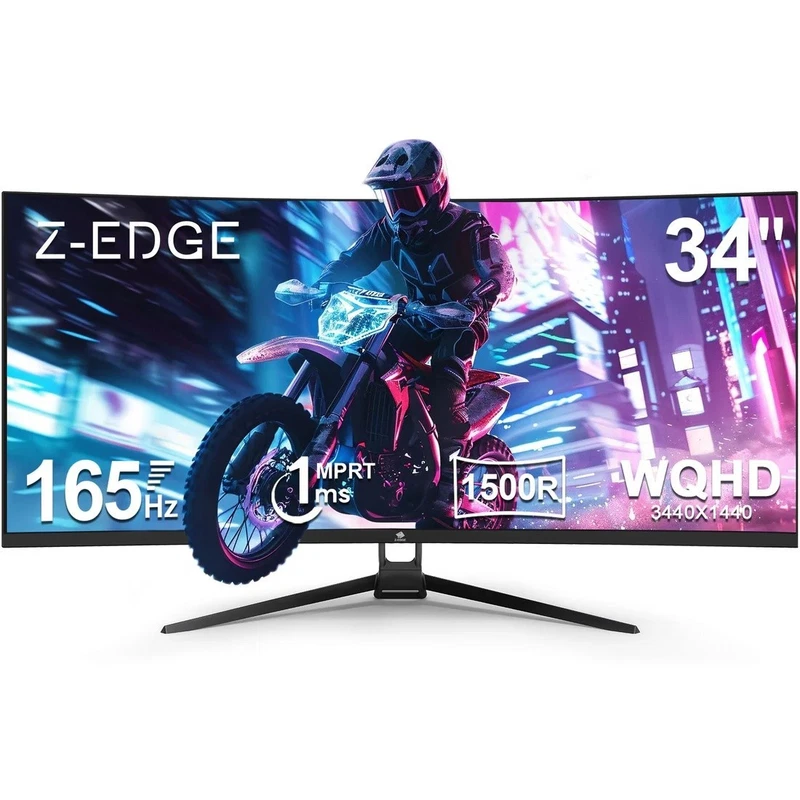
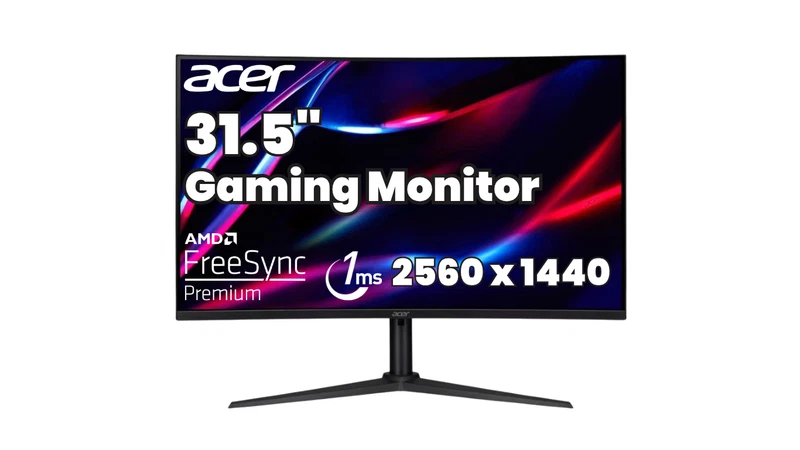
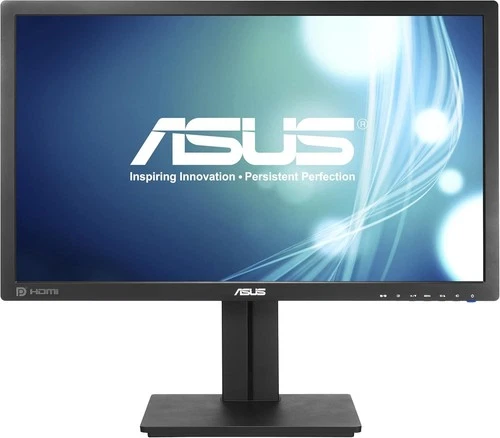
You can see the tiers in real listings. The is $119. The is $156.44 as a refurbished unit at 144Hz. The is $148.05 refurbished at 180Hz and a stated 250 nits. And the is $250 at 165Hz, with the listing explicitly stating that no cables are included.
Two things follow from those numbers. First, 165Hz at $250 on a 1080p 32-inch panel is a poor deal against a 144Hz 1440p panel at $119, because resolution beats refresh rate for almost every buyer. Second, and more usefully, the highest refresh rate in this guide is not the panel that is best. The is slower than several cheaper screens and is still the best monitor we found, because it is the only one that answers both questions at once.
Matching refresh rate to the hardware you own
A refresh rate you cannot feed is a spec on a box rather than an experience in a game, and this is where most buyers talk themselves into the wrong screen. The rule is simple enough to apply in a minute: find out what your games actually run at, and buy the refresh rate at or slightly below that.
Check the settings menu of the games you play most, not the marketing number on the store page. A competitive shooter on a mid-range card will often sit anywhere from 90 to 200 frames per second depending on the title and the settings, and a 144Hz panel is the right ceiling for that. On a lower-end card driving 1080p, you may rarely exceed 100fps, and a 100Hz panel at a much lower price is a better use of the money. On a current high-end card, a 165Hz or 180Hz ultrawide is fully fed in the demanding titles and is the configuration our gaming monitor roundup keeps coming back to.
The reverse case matters too. On a 4K panel, a card that cannot hold 60fps at native resolution will usually run the game at a lower resolution and upscale, and at that point you have paid 4K money for a softer image than a native 1440p panel would have given you. Either accept 4K at 60fps with a strong card, or buy 1440p and keep the frame rate. The refurb listings on this list, the and the , are both 1440p panels, which makes them a safer pairing with a mid-range card than the $399.99 4K option is.
Sync features, and the cable that ruins everything
Variable refresh rate is worth having if your graphics card supports it, but at these prices treat it as a bonus rather than a requirement. What is not a bonus is a missing or wrong cable, because the most common way a 165Hz monitor ends up running at 60Hz is a bad cable rather than a bad panel.
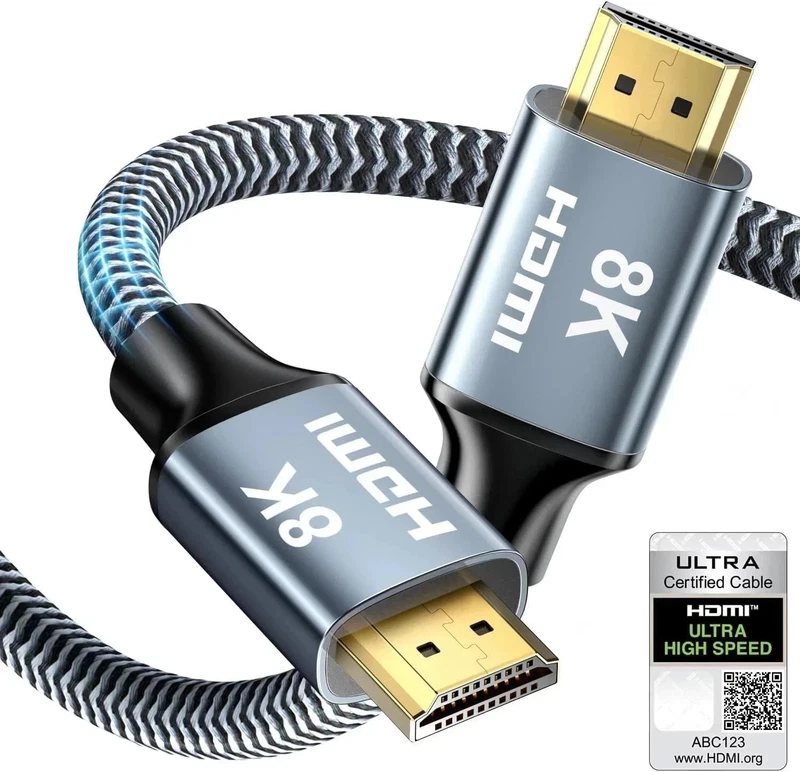
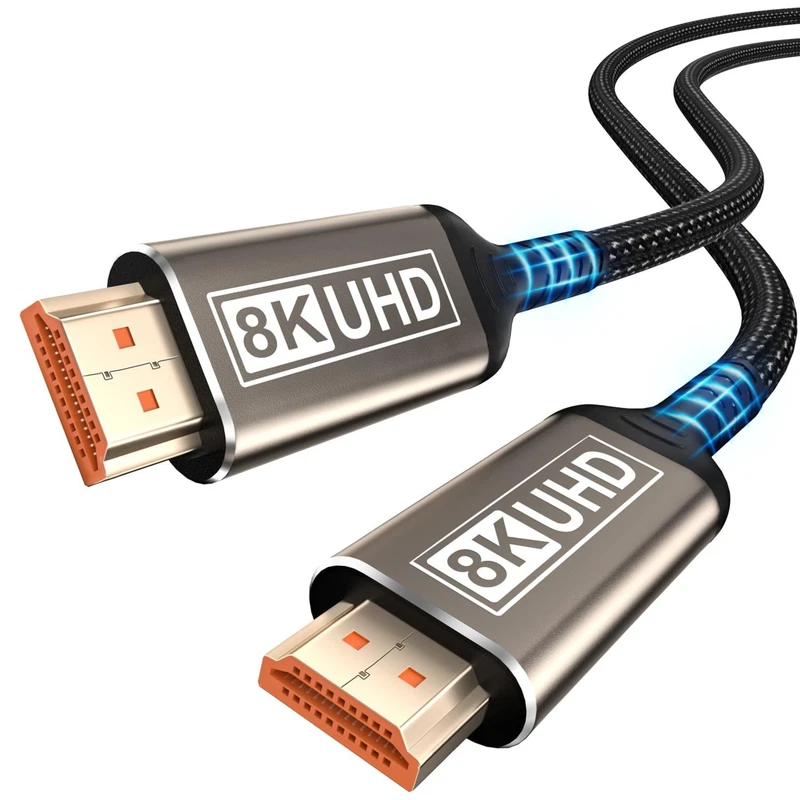
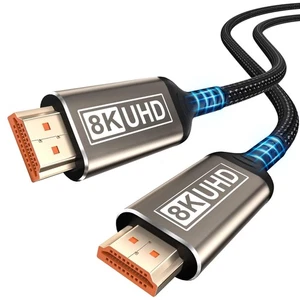
Get the cable right. A at $12.99 covers a laptop at high refresh, and a at $8.09 covers a console or a TV. For a PS5 or an Xbox Series X driving a 4K panel with high refresh, an at $6.76 is the right specification, with dynamic HDR, VRR and ALLM support listed. If the hardware is across the room, the at $14.49 covers the same ground.








 $43.52