Tahabay icon tahabay

Home Security Camera Buying Guide (2026)

How to choose a home security camera in 2026: indoor vs outdoor, 1080p vs 2K vs 4K, cloud vs SD storage, and what eBay prices really mean.

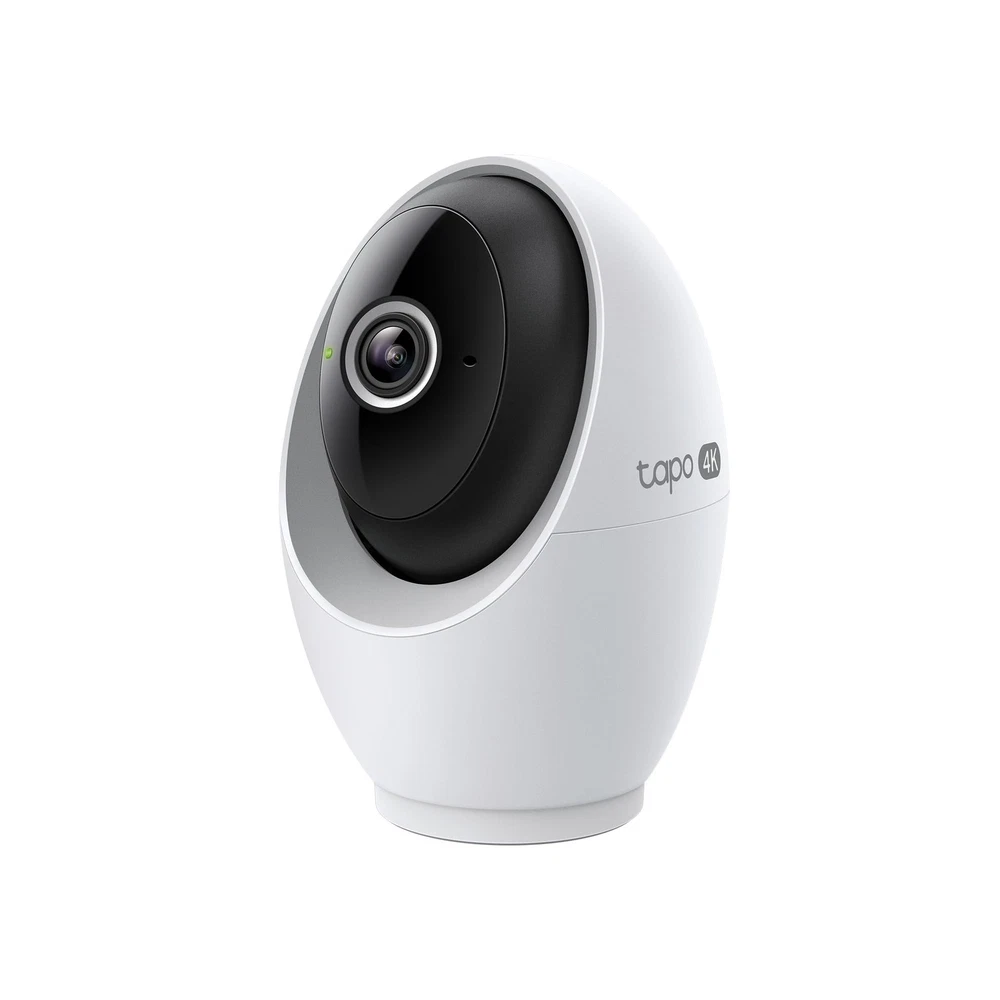
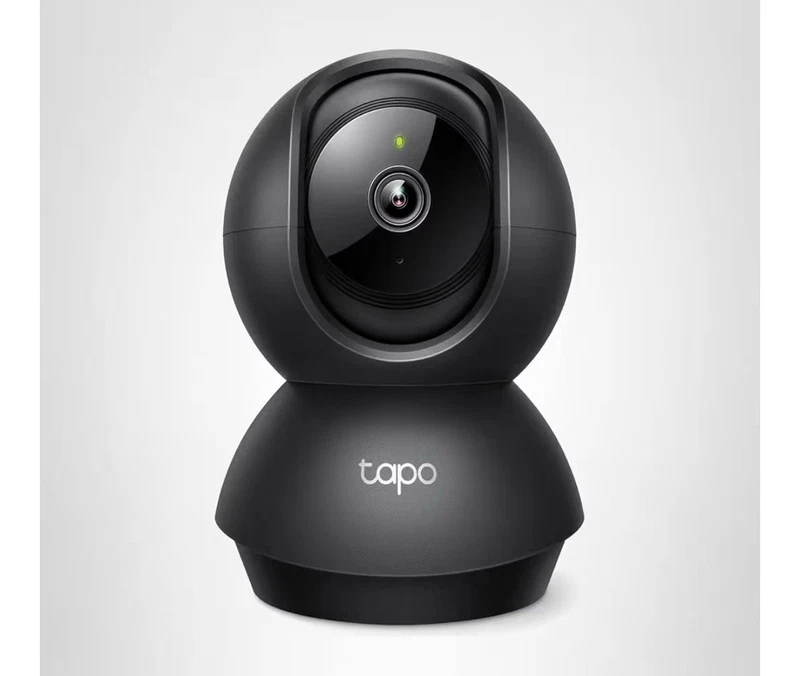
Tapo 4K indoor pan/tilt camera

Buying a home security camera is a small decision tree disguised as a simple purchase. Resolution, power source, storage, room placement and budget all interact, and getting one parameter wrong usually means wasted money: a battery camera bolted to a shaded wall, a 4K unit pointed at an empty hallway, a cloud camera for buyers who hate subscriptions. This guide walks through each decision in the order it matters, explains the trade-offs in plain terms, and points to real in-stock eBay listings at the price bands involved.

One caveat before the advice: every price referenced below is what we found on eBay on September 23, 2026. eBay prices churn constantly — sellers reprice, open-box stock appears and disappears, and condition labels vary. Treat the figures as realistic markers, not guarantees, and always confirm the price on the listing itself before you commit. The deal is real only at the price on your screen.

Three mistakes account for most wasted camera spends. Buying a 4K unit for a corridor where 1080p sees everything it needs. Choosing a battery camera for the one wall of the house that gets no shade and no Wi-Fi. Forgetting storage and discovering the camera stops recording the moment its free cloud slot is full. Work through this guide top to bottom and none of those will apply to you.

Part 1

Start with four questions, not spec sheets

Before you compare resolution numbers, answer four practical questions. They filter out more bad purchases than any specification ever will:

  • Where is the camera going? Indoors, outdoors under a roof, or fully exposed to weather? This decides weatherproofing, power and mounting requirements.
  • What power can you get there? Is there a mains socket, an existing doorbell transformer, or a light fitting nearby? If none, you are choosing between battery and solar.
  • Do you need clips, or just live view? Live-only buyers can ignore cloud plans. If you need evidence, you need storage — internal card or cloud.
  • Who will use it? A tech-savvy household tolerates fiddly apps; a technophobe household needs the two-minute setup experience.

You now know the skeleton of your spec: indoor or outdoor, powered or not, clips or live-only, techie or not. Write the four answers down — they keep every later section concrete and talk you out of buying the wrong thing just because a listing happens to be cheap.

Answering those four narrows the field so hard that the rest of this guide is mostly confirming the obvious. If you already know you want a specific type, the roundup in our best home security cameras list is the faster route — the guide below is for weighing the options properly.

Part 2

How many cameras do you actually need?

Start with one — that is the honest answer for most households. The two locations that genuinely matter are the front door and one interior high-value spot: a hall where people move between rooms, a staircase landing, or the room holding the expensive kit. Everything else is optional coverage that can be added later when the right deal appears.

Map your coverage instead of spraying cameras around. A front-facing camera that records the street points at public space, which some neighbours and local rules treat unkindly — keep the lens aimed at your own property line. Indoors, one good pan/tilt unit beats two fixed cameras that each cover half a room, and a doorbell handles the single chokepoint everyone uses. That is a realistic three-camera home for most of us, and on the kind of prices in this guide it costs less than you think.

Part 3

Indoor vs outdoor: match the camera to the location

Indoor cameras: flexible, mains-powered, often dual-purpose

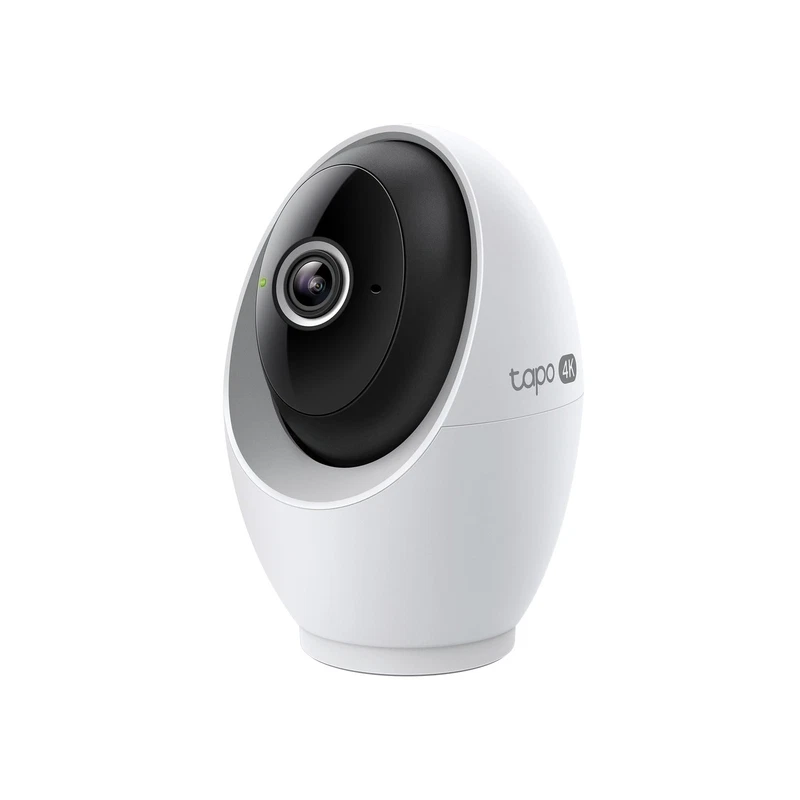
Indoor cameras plug into mains, which removes the recharging chore entirely, and most of them pan and tilt to cover a room from one position. They also commonly double as baby or pet monitors, which is how families end up buying one unit for two jobs. A good example at the sharp end is the , around $88.88 on eBay: 4K detail plus a motorised head makes it a genuine single-camera-per-room proposition. At the honest budget end, the sits around $29.99 and still includes night vision, motion alerts, two-way talk and both cloud and card storage.

The limit is placement. An indoor camera must stay indoors or under deep cover — its housing is not built for rain, sun or insects. If the camera needs to look out of a window, expect reflections in glass to degrade image quality at night.

A covered porch is a trap: it looks dry, but it is still outdoors from a weather point of view. Unless a listing explicitly says the housing is weatherproof, treat a porch camera as indoor-rated and expect condensation on cold nights. If full weather exposure is unavoidable, buy a unit the seller markets for outdoor use and check the included mount is built for it too.

Outdoor cameras: weather-rated, and picky about power

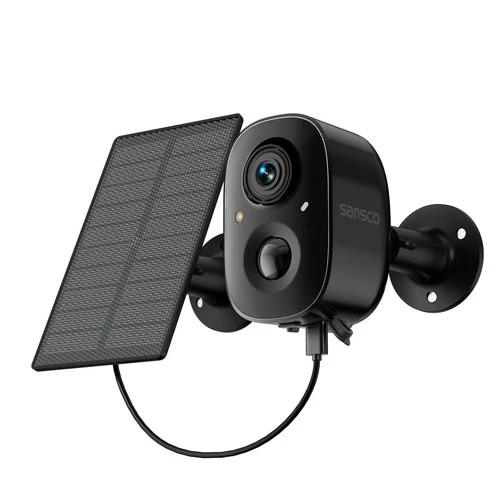
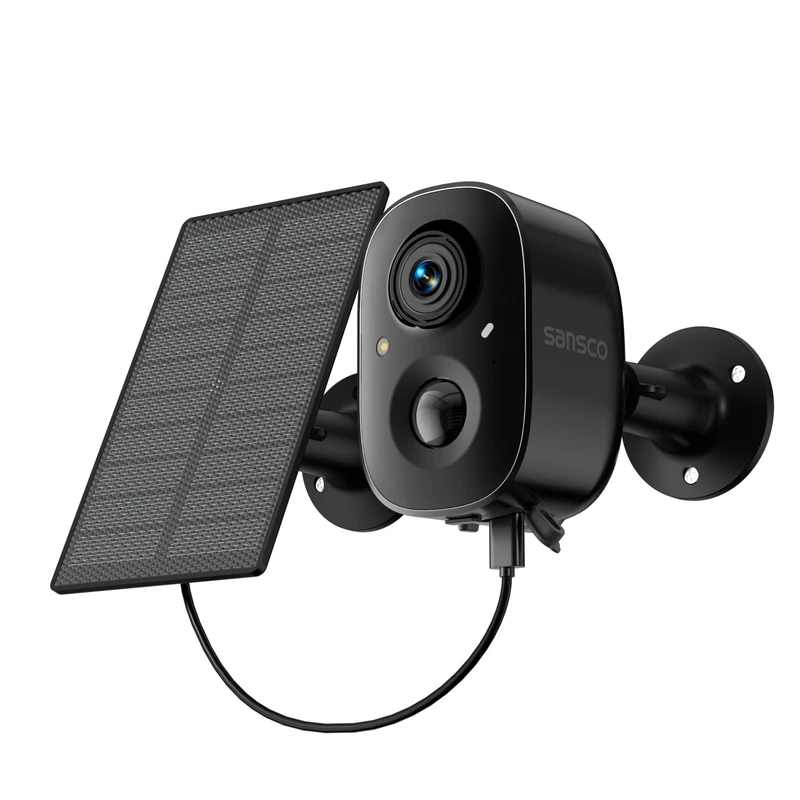
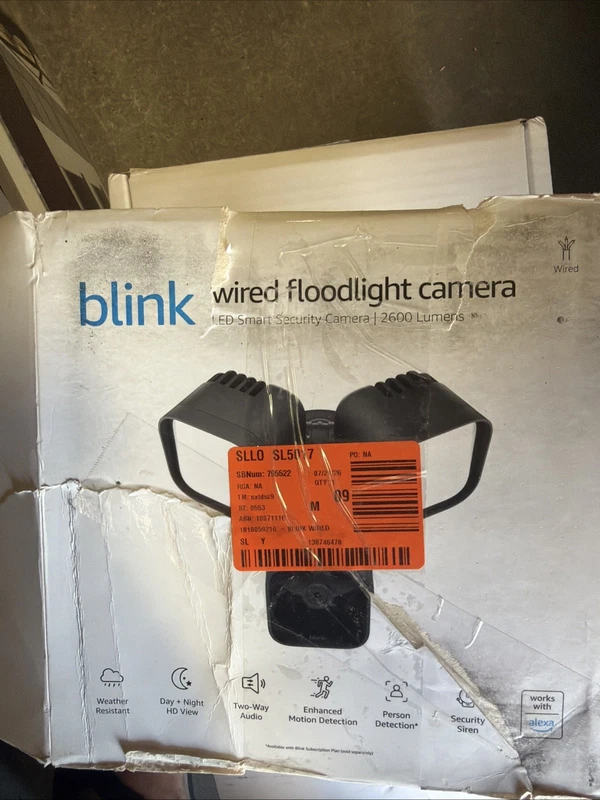
Outdoor units are weatherproofed, but that toughness comes with a bigger installation question. Battery and solar models, like the at $43.90, mount almost anywhere and even offer colour night vision; wired floodlight units like the at $55 lean on an existing light circuit so you get illumination and recording from one fitting.

Check two things before buying outdoor: whether the listing explicitly says the housing is weatherproof, and how far the mounting spot is from your Wi-Fi and power. A great outdoor camera is useless two metres past your router's range.

Tapo 4K indoor pan/tilt camera$88.88

Tapo 4K indoor pan/tilt camera

eBay Tapo 4K Indoor Pan/Tilt Wired Security Camera - Works as a Baby 1, White Product Details 4K ULTRA HD CLARITY: Experience 4× the resolution of standard 1080p for sharper images and finer details. Capture license plates, small objects, and more COMPLETE ARE

See the live listing →
1080P indoor smart security camera$29.99

1080P indoor smart security camera

eBay 1080P Indoor Smart Security Camera,Baby Monitor with Camera and Audio, Night Vision, Motion Detection and Alerts for Baby and Pet Camera,2-Way Talk,Cloud & SD Card About this item HIGH QUALITY VIDEO AND REAL-TIME MONITORING - The baby camera monitor captu

See the live listing →
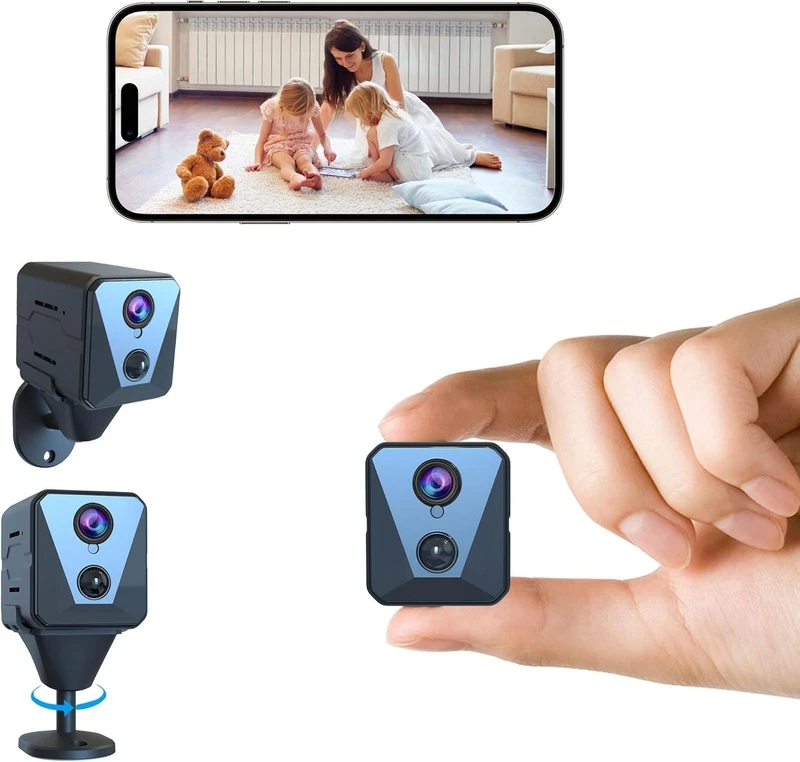
solar battery powered wireless security camera$43.9

solar battery powered wireless security camera

eBay #solar #battery #powered #wireless #security #camera #ad #tahabay #ebay

See the live listing →
Blink wired floodlight outdoor camera$55

Blink wired floodlight outdoor camera

eBay The Blink Wired Floodlight Outdoor Smart Security Camera is a reliable and advanced home surveillance system by Blink. This security camera is designed for outdoor use, making it ideal for monitoring your home's exterior. With a hardwired power sourc

See the live listing →
Part 4

Resolution: 1080p, 2K or 4K — how to actually choose

Resolution is the most quoted spec and the most misunderstood. It controls how much detail the camera records, but it cannot fix a bad angle or a badly lit scene. Here is the honest threshold guide.

A quick pixel benchmark makes the tiers concrete. 1080p is roughly two million pixels. The 2K cameras in this market typically use three-megapixel sensors, about half as many pixels again. 4K pushes toward eight million, four times the 1080p count. Each step up roughly doubles the storage and Wi-Fi bandwidth required, so the real question is never whether 4K is sharper — it always is — but whether your use case benefits from sharpness you end up paying for twice over, once in price and once in storage.

1080p is enough for most rooms, corridors and doorbells

If your goal is to confirm presence — who walked past, when the dog got on the sofa, which courier rang — 1080p is genuinely sufficient. It records standard full-HD footage across a typical room, files are small, and budget cameras at this resolution are cheap enough to use as secondary coverage. Most doorbells ship at 1080p and nobody complains. If most of your cameras are mainly live-view with a card of clips for the rare event, staying at 1080p keeps the whole system cheap and simple to manage.

2K is the value sweet spot

2K (around 3 megapixel, and usually a bit more) makes faces and labels noticeably sharper while keeping file sizes far below 4K. It is the resolution most cameras default to in seller recommendations, and it shows up on genuinely budget hardware: the sells around $32.29 on eBay, and the 2K around $75.02. If a first camera needs a safe default, 2K is it.

4K when you need identification, not just confirmation

4K is for the moments where "someone was there" is not enough — you want a readable license plate or a face at the end of a long garden. The and the at around $62.86 both land in this bracket. The costs are real: higher price, bigger storage appetite, and usually a need for solid Wi-Fi to stream the feed. Buy 4K only where the detail genuinely matters.

TP-Link 2K pan/tilt indoor camera$32.29

TP-Link 2K pan/tilt indoor camera

eBay The TP-Link 2K Pan/Tilt Indoor Security Camera is a versatile product ideal for use as a baby monitor or pet camera. With its sleek black design and compact size (8.27x6.34x4.25 inches, 1.01 pounds), this camera offers easy installation and positioning fo

See the live listing →
WiFi indoor camera with 360° pan$75.02

WiFi indoor camera with 360° pan

eBay 2K 3MP Indoor Überwachungskamera mit 360°-Schwenkfunktion und KI-Tracking Optimieren Sie die Sicherheit Ihres Zuhauses mit dieser leistungsstarken 2K HD WLAN-Überwachungskamera , die sich perfekt für den Innenbereich eignet. Mit einer 3

See the live listing →
4K HD WiFi indoor camera$62.86

4K HD WiFi indoor camera

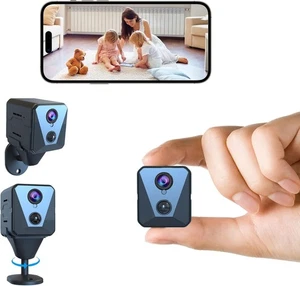
eBay Security Camera 4K HD Night Vision WiFi Indoor Camera with Long Battery Life and The 2025 upgraded security camera offers high-quality 4K HD video and reliable surveillance for your home or office. Its compact design makes it ideal for indoor monitoring w

See the live listing →
Part 5

Power: wired, battery or solar

Wired: no charging, but installation limits you

Wired cameras — like the — run forever and record continuously without battery anxiety. The price is installation: you need a mains socket or an existing circuit at the mounting point. For doorbells, "wired" usually means tapping into the existing doorbell transformer, which is a non-starter in some rentals.

Test the site before you commit to a power type. A mains socket you thought was convenient turns out to sit under a running gutter; a battery camera planned for a favourite ledge becomes a monthly climb. Buy the camera that fits the power you can actually deliver at the spot, not the one that fits the installation you sketched in your head.

Battery: mount anywhere, charge occasionally

Battery cameras win on placement and rental-friendliness. You screw them anywhere they can reach Wi-Fi, and the trade-off is a recharge schedule measured in weeks or months depending on activity. The at $35 is a good example of battery convenience at bargain prices (with the honest caveat that the listing is unit-only with cosmetic scuffs).

Solar: the battery fix for sunny spots

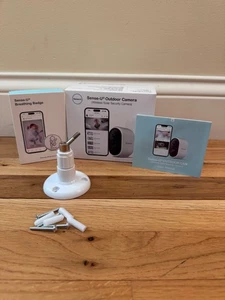
Solar cameras bolt a panel on top of the battery, so in daylight the battery keeps itself topped up. It is the closest thing to set-and-forget outdoor coverage, with the obvious condition that your mounting spot needs to see the sun. The at $69.99 and the at $43.90 both run this approach, and both add two-way audio so you can talk as well as watch.

Google Nest battery video doorbell$35

Google Nest battery video doorbell

eBay All functions work as intended. Includes doorbell unit only, no mounting plate, packaging, etc. included. See photos for cosmetic condition: please note small nicks/scratches; please ask any questions prior to purchase. Thanks! #google #nest #gwx3t #ga01

See the live listing →
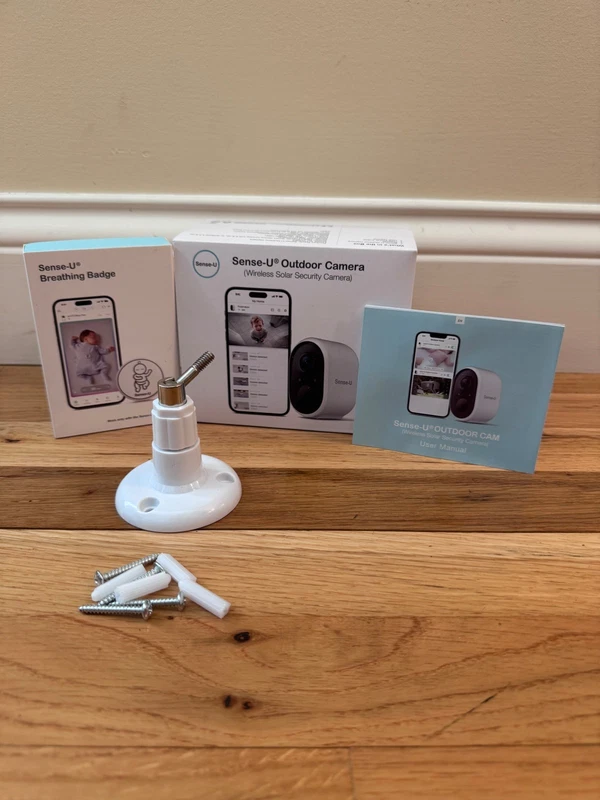
Sense-U solar security camera$69.99

Sense-U solar security camera

eBay The Sense-U outdoor camera is a wireless solar security camera that provides peace of mind for parents. With two-way audio and smartphone capability, parents can easily monitor their baby from anywhere. The camera is designed for outdoor use and is compat

See the live listing →
Part 6

Storage: cloud, microSD card or local

Every camera records, but where the clips live is a genuine fork in the road. Two honest options dominate:

  • microSD card in the camera: one-off cost, footage stays local, works in most budget cameras. The takes the card route as well as cloud, which is the flexible option for privacy-conscious buyers.
  • Cloud subscription: clips are stored remotely, safe from theft and lost cards, but free tiers usually cover live viewing only and long-term history costs per camera per month.

If you hate subscriptions, pick a camera whose listing mentions SD card storage and skip cloud. If you want evidence that survives a camera being stolen, factor the subscription into the total cost before you buy — not after.

Retention is the detail most people miss. A 32GB card holds between a few days and a few weeks of continuous footage depending on resolution, and motion-only recording stretches that dramatically. Decide whether you need to reach a specific past date or just want rolling coverage — that single decision drives everything from card size to whether cloud storage is worth a penny.

Part 7

Two-way audio and alerts: the features you will actually use

Two-way audio turns a camera from a silent witness into something you can talk to — soothing a baby, warning off a porch pirate, arguing with a delivery driver from the sofa. Most indoor picks here include it, with the at $45 bundling a siren, two-way audio, night vision and motion detection in one box. Motion alerts matter equally: check whether the camera separates people/pet motion from general motion, because a camera that pings you forty times a night gets muted and forgotten.

Both features live and die on your home Wi-Fi. A camera sitting at the edge of range drops the very clip you wanted, and a busy router delays doorbell alerts. If your router is older than the camera you are about to buy, price the network upgrade into the decision before you blame the hardware.

TP-Link security camera and baby monitor$45.0

TP-Link security camera and baby monitor

eBay Keep an eye on your home and little ones with this TP-Link Security Camera/Baby Monitor. With built-in siren, two-way audio, night vision, and motion detection, you can stay informed and in control at all times. The camera also features cloud SD storage,

See the live listing →
Part 8

Video doorbells: worth their own section

Doorbells are the one camera type almost everyone should own, because they cover the single most likely chokepoint: the front door.

Battery doorbells: rental-friendly, easy setup

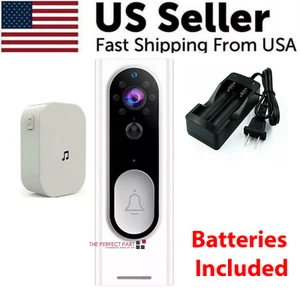
A battery doorbell installs with a couple of screws and answers the door from your phone. The around $48.49 brings the basics — two-way intercom, PIR detection, a chime — at a price that is easy to justify. Battery life is the watch-out: heavy traffic areas drain them faster.

Wired doorbells: constant power, no swaps

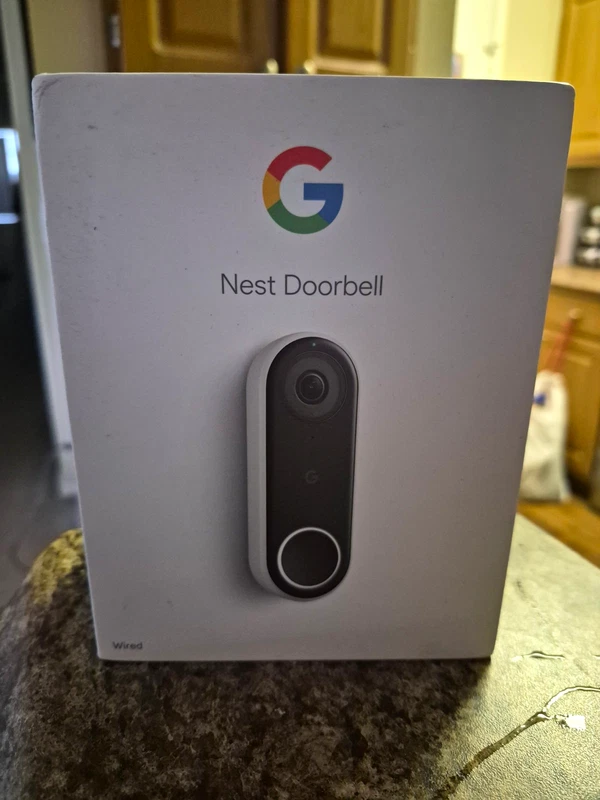
The at $109.99 shows the full wired experience: constant power, no charging, standard retail packaging. It needs existing doorbell wiring, which is exactly why the battery alternatives below it exist.

Chimes: the small add-on nobody remembers

Without a chime, your "doorbell" only makes noise on your phone. A cheap unit like the at $19.99 restores a real indoor ring for compatible Ring devices — a classic eBay accessory purchase.

Height decides the whole doorbell experience. Mounted around chest height with the lens angled toward the visitor you capture faces; mounted higher, you capture rooftops and shoulders. Verify the listing states the doorbell's field of view, and if you are buying a wired doorbell, check your existing transformer is compatible before you rely on it running the unit.

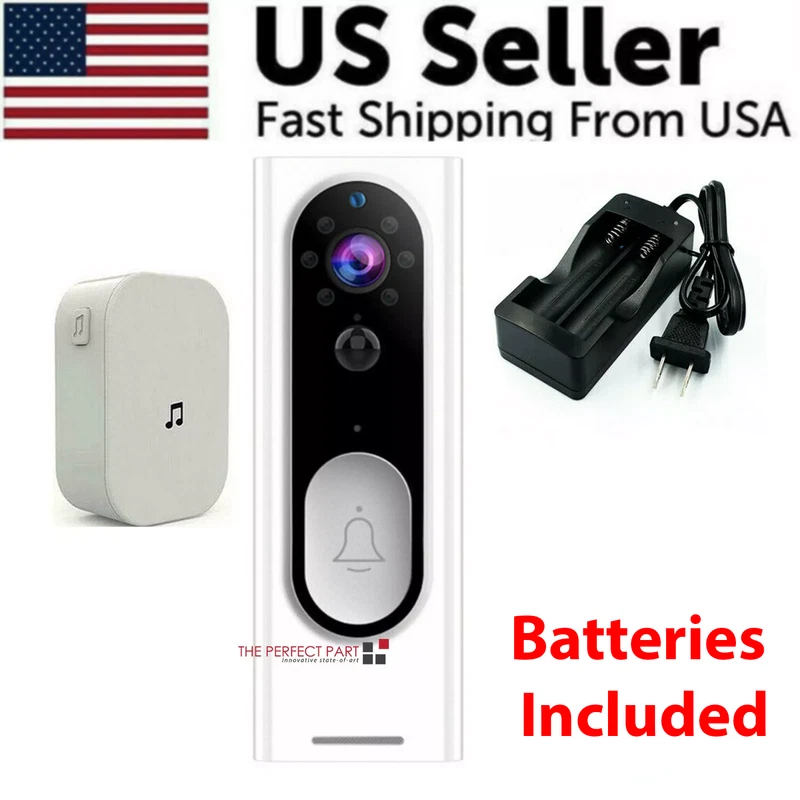
WiFi 1080P video doorbell$48.49

WiFi 1080P video doorbell

eBay Two-Way Door Bell WiFi Wireless Video PIR Doorbell Talk Smart Security HD Camera Features: This WiFi doorbell can connect home WiFi and achieve a two-way intercom between the doorbell and cell phone. APP Software DOWNLOAD:UBOX APP PIR Detect:When someone

See the live listing →
Google Nest wired video doorbell$109.99

Google Nest wired video doorbell

eBay Selling as new. The outer plastic of the retail box has been removed. Otherwise, this product is new with factory film still attached to camera body. Never connected or removed from box, aside for the reason of photographing. #google #nest #doorbell #wir

See the live listing →
Ring Chime (2nd Gen)$19.99

Ring Chime (2nd Gen)

eBay Ring Chime (2nd Gen) Wi-Fi Doorbell Chime for Ring Video Doorbells & Cameras Brand New In Stock and Ready To Ship Fast Free Shipping Always Hear real-time notifications whenever you have a visitor or motion is detected Plugs into any standard wall outlet

See the live listing →
Part 9

The budget framework: what to spend at each tier

Prices below are what we confirmed on eBay on the day of writing. They will move; they are signposts, not pricing guarantees. Spend the minimum that satisfies the four answers from the top of this guide, and upgrade only where a real location demands it.

TierWhat you getReal eBay example
Under $401080p room coverage, card storage, motion alerts; or a beat-up open-box brand doorbell1080P indoor smart camera — $29.99
$40-$802K indoors or outdoor battery/solar/4MP; floodlight or budget doorbellTP-Link 2K pan/tilt — $32.29; solar 4MP — $43.90
$80-$1204K pan/tilt indoors or box-fresh wired doorbellTapo 4K — $88.88; Nest wired doorbell — $109.99

A sensible starter setup for most homes: one 2K indoor pan/tilt camera inside and a battery doorbell on the front door — that combination can be assembled from the examples above for well under $100 total. Add a solar outdoor unit later if the garden needs eyes.

Where to save and where to splurge: save on indoor resolution (2K is plenty), on generic Wi-Fi doorbells over brand flagships, and on card storage over cloud. Splurge on a genuinely weatherproof outdoor unit, on night vision quality, and on a wired doorbell if your house supports one. Open-box stock is the smart middle path for big brands — the $35 battery Nest doorbell referenced earlier is exactly that kind of deal.

Part 10

Checklist before you click buy

Run this list over any listing and you will cut most of the risk out of the purchase:

  • Read the condition line — sealed, open box or used should change the price you are willing to pay.
  • Check what is actually in the box: mount, cable, card and instructions are sometimes sold separately.
  • Confirm the app and ecosystem support — generic cameras use non-brand apps that can abandon support early.
  • See whether the seller states a warranty or a returns policy in the description.
  • Read the seller's feedback score and the recent comment trail.
  • Measure the Wi-Fi at the mounting point, not at the router.
  • Add chimes, memory cards and any subscription into the total cost before comparing.
Part 11

Glossary of security camera terms

You do not need to memorise any of this. These are simply the terms that keep appearing in listings, translated the way an eBay seller would mean them.

  • Pan/tilt: the camera head rotates horizontally and vertically under motor control, so one unit covers a whole room instead of one fixed view.
  • Night vision: infrared LEDs light a scene in black-and-white; colour night vision uses built-in lighting and sensors to keep some colour, at the cost of power.
  • PIR / motion detection: a motion sensor that wakes the camera and triggers recording or alerts when it detects heat and movement.
  • Two-way audio: a speaker and microphone that let you talk to and hear the person on the other side of the camera.
  • Cloud storage: clips uploaded to the maker's servers, usually via a paid subscription; the alternative to a local microSD card.
  • Open box: never-used stock sold without its original seals or full packaging — often a tested customer return, and usually cheaper than sealed new stock.
  • Field of view: how wide an area the lens sees; roughly 100-120 degrees is typical, and higher numbers see more wall but less detail per object.
Part 12

The bottom line

There is no perfect camera, only the right camera for the right socket. Choose your location first, then power, then storage, then resolution — not the other way around. Buy 2K as the default, step up to 4K where detail matters, keep a microSD card in the camera if you hate subscriptions, and cover the front door with a battery or wired doorbell before you upgrade anything else. Remember that a cheap camera which fits your socket beats an expensive one that does not, and that used or open-box stock is only a deal when the condition genuinely matches the price. When you are ready to see concrete picks with live prices, our best home security cameras roundup has the in-stock listings, and the best smart home gadgets under $50 guide covers the plugs and lights that pair with them. eBay prices change and vary by seller and condition — so treat every figure here as a snapshot from September 23, 2026, and buy at the price on the listing in front of you.

Questions

Frequently asked questions

Should I choose a 1080p, 2K or 4K security camera?

1080p is enough for a room, a corridor or a doorbell where you mainly want to confirm who was there. 2K is the value sweet spot for most homes because it makes faces more readable without the file size of 4K. 4K is worth the upgrade when you need reliable close-up detail — license plates, doorways, a large garden — at the cost of higher prices and bigger video files.

Is cloud storage worth paying for on a security camera?

It depends on how you want clips. Free tiers usually cover live viewing only; long-term cloud history tends to cost a subscription per camera. A microSD card in the camera is a one-off cost and keeps footage local, but you lose the card if the camera is stolen. Many buyers run both: a card for local fallback and cloud only for the few clips that matter.

Battery or wired camera — which is better?

Wired cameras never need charging but must be installed where a mains supply, existing doorbell wiring or a light circuit exists. Battery cameras mount almost anywhere and are ideal for renters, but you trade the convenience for a recharge schedule. Solar panels remove most of that chore if the mounting spot gets daylight.

Do video doorbells need a subscription?

Not always. A battery or wired doorbell still rings your phone and lets you see and talk to callers without a paid plan. What a subscription usually adds is continuous clip history, longer recordings and extra cameras on one account. Check the listing description for storage wording before you buy so you know what you are getting for free.

What does 'New open box' mean in a security camera listing?

It means the item has never been used but the original retail box has been opened — often a customer return that was tested and repacked. Open-box cameras usually sell for noticeably less than sealed stock and are a great middle ground between new and used. Read the description: some include everything, others are unit-only without mounts or cables.