



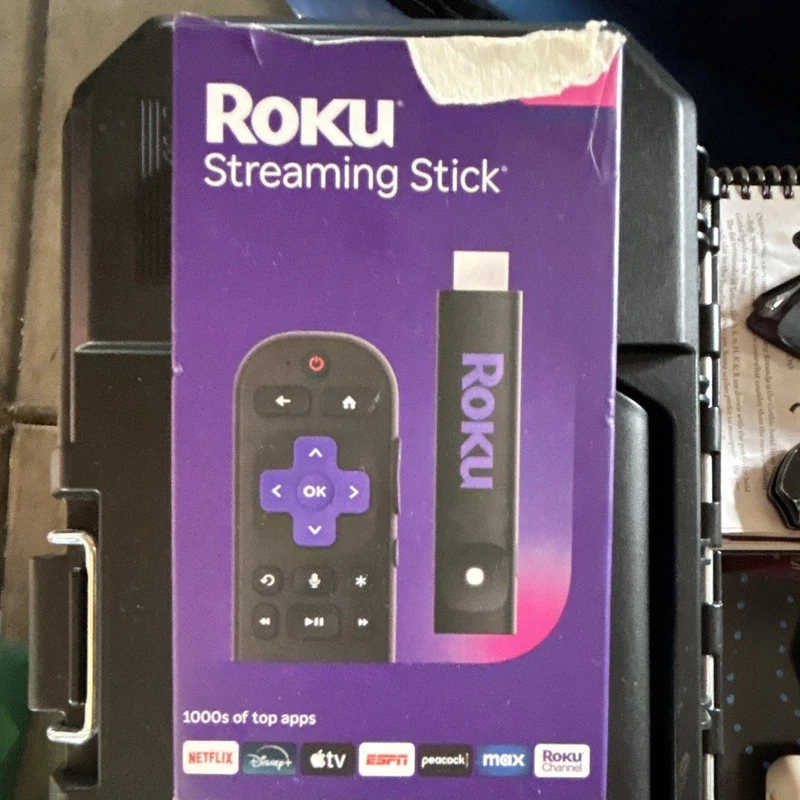
 $23
$23Roku Streaming Stick HDMI Media Streamer with Remote
A Roku Streaming Stick+ at $26.99 adds 4K HDR and an enhanced wireless receiver for a stronger signal, plus the voice remote.
See the live listing →The best streaming device deals from $23 to $95, covering HD, 4K and 4K HDR Roku and Google TV sticks, and how to match one to your television.
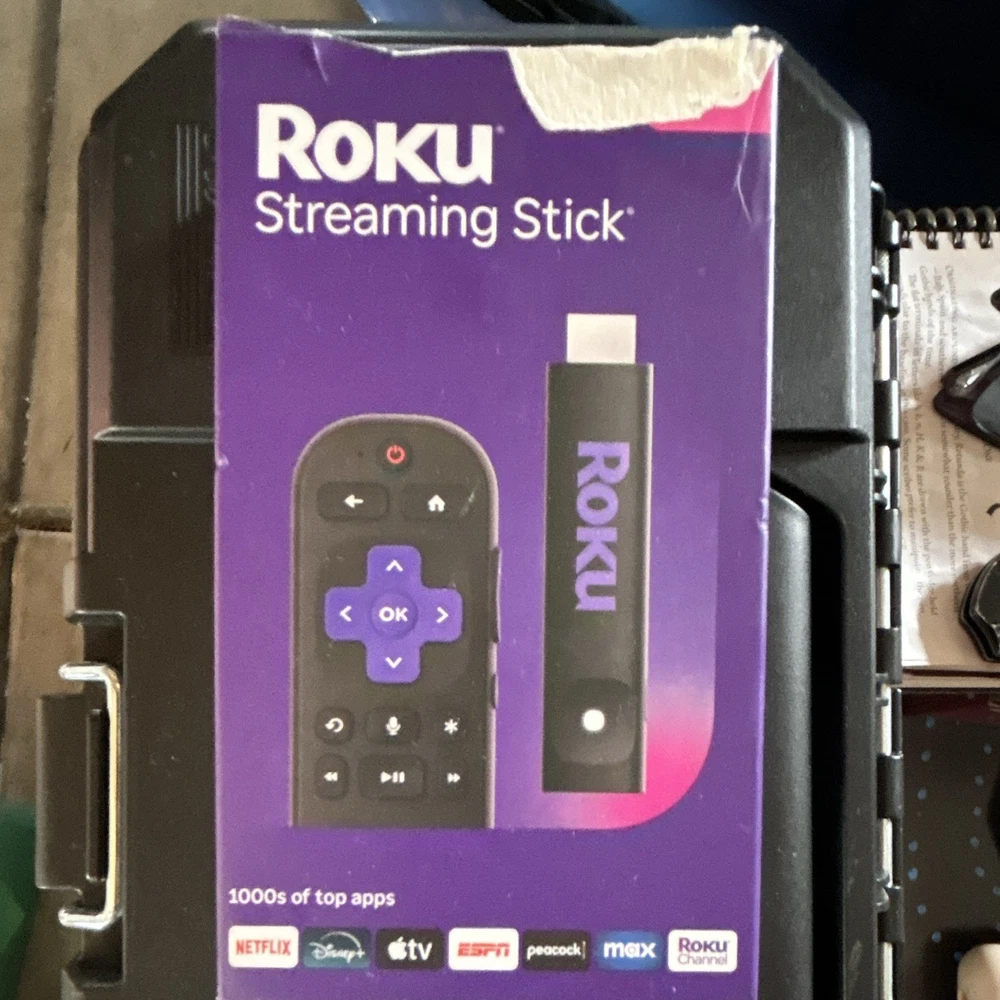
The cheapest way to make an old television feel new is a streaming stick, and the difference between a good one and a frustrating one comes down to three things: resolution, remote, and how much advertising the home screen throws at you. A $25 stick and a $90 stick often stream the same apps at the same quality; the extra money buys you a faster processor, more storage, and a better remote rather than a better picture.
The live listings here run from about $23 to $95 and cover Roku Streaming Sticks and Google TV devices from onn. Prices and condition vary by seller, so read each figure as a snapshot, and note that some listings are missing a remote.
There are three tiers worth knowing. HD (1080p) sticks are fine for a secondary TV or a bedroom set and cost the least. 4K matches a 4K television's native panel and is the sensible default if your TV is 4K. 4K HDR adds HDR, which is a bigger jump in perceived quality than the pixel count — highlights look brighter and dark scenes keep detail. If your TV is 1080p, a 4K stick still works but you gain nothing, so buy the HD model and save the money. If your TV is 4K and supports HDR, buy a 4K HDR stick or you are leaving quality on the table.
The remote is the part you touch every day, so voice control and dedicated app buttons matter more than the spec sheet suggests. Storage decides how many apps you can keep installed without the system pausing to juggle them; an 8GB device fills up faster than you expect. Wi-Fi is fine for most homes, but if your TV is far from the router and you watch 4K, an Ethernet adapter removes buffering entirely. A processor difference is what makes a cheap stick feel sluggish while it loads a menu.
| Device class | Typical price | Best for | Trade-off |
|---|---|---|---|
| HD stick | $23-$37 | 1080p TVs, second rooms | No 4K, slower chip |
| 4K stick | $24-$50 | 4K TVs on a budget | Storage still limited |
| 4K HDR stick | $35-$70 | Best picture on a 4K TV | Cost, needs HDR TV |
| Streaming box | $90-$95 | More storage and ports | Bigger, pricier |
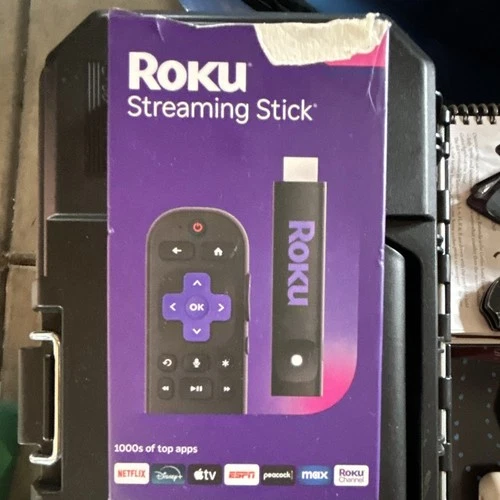
is the cheapest sensible way to add apps to an older TV, and it includes the remote. For a 1080p set this is the value pick.
delivers 4K and Dolby Digital sound, but the listing warns there is no remote included. If you have a spare Roku remote or can use the phone app, it is the best price on the page for 4K.
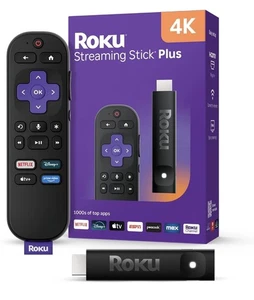
adds 4K HDR and an enhanced wireless receiver for a stronger signal, plus the voice remote. At under $30 it is a strong all-rounder.
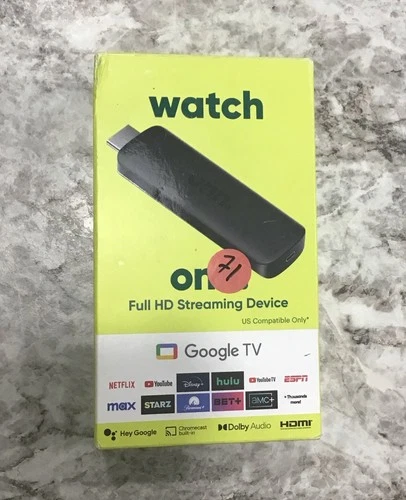
runs Google TV at 1080p and suits a bedroom or kitchen set where 4K is wasted. The listing notes it is compatible within the US.
is the same 4K HDR tier from another seller with the voice remote. Buy whichever of these two ships cheaper once shipping is added.
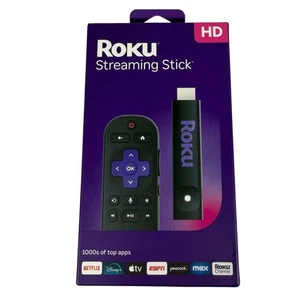
is the current-generation HD stick with free live TV access built in. If you do not own a 4K TV, this newer chip will feel snappier than an older 4K unit.
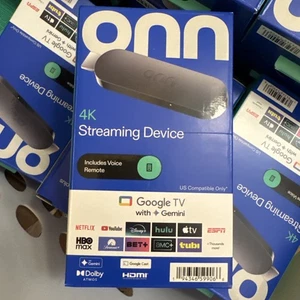
pairs 4K with 2GB of RAM and 8GB of storage, which is the configuration that keeps menus responsive. This is the mainstream recommendation here.
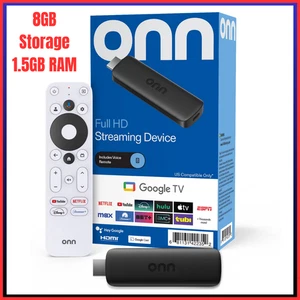
is the 1080p version with 1.5GB of RAM. If you only need HD and want Google TV rather than Roku's interface, it is the straightforward pick.
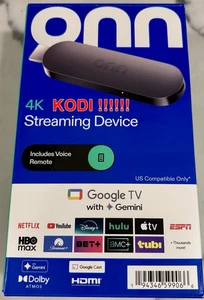
is the same 4K platform in a slightly different bundle. Compare it against the $39.99 listing before buying, since they are nearly identical.
is the top-priced Roku here, so it only makes sense if the cheaper listings are out of stock. There is no performance advantage over the $26.99 version.
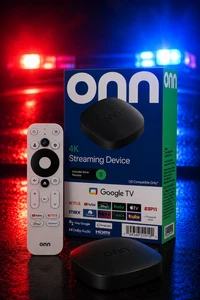
is marketed as the 2026 model with Dolby Vision support. At this price you are paying for a newer generation and a different form factor rather than a different picture.
sits at the very top of the range; at nearly four times the price of the cheapest 4K Roku, it is only worth it if you specifically want this exact model and setup.
$23A Roku Streaming Stick+ at $26.99 adds 4K HDR and an enhanced wireless receiver for a stronger signal, plus the voice remote.
See the live listing → $24
$24A Roku Streaming Stick+ at $26.99 adds 4K HDR and an enhanced wireless receiver for a stronger signal, plus the voice remote.
See the live listing →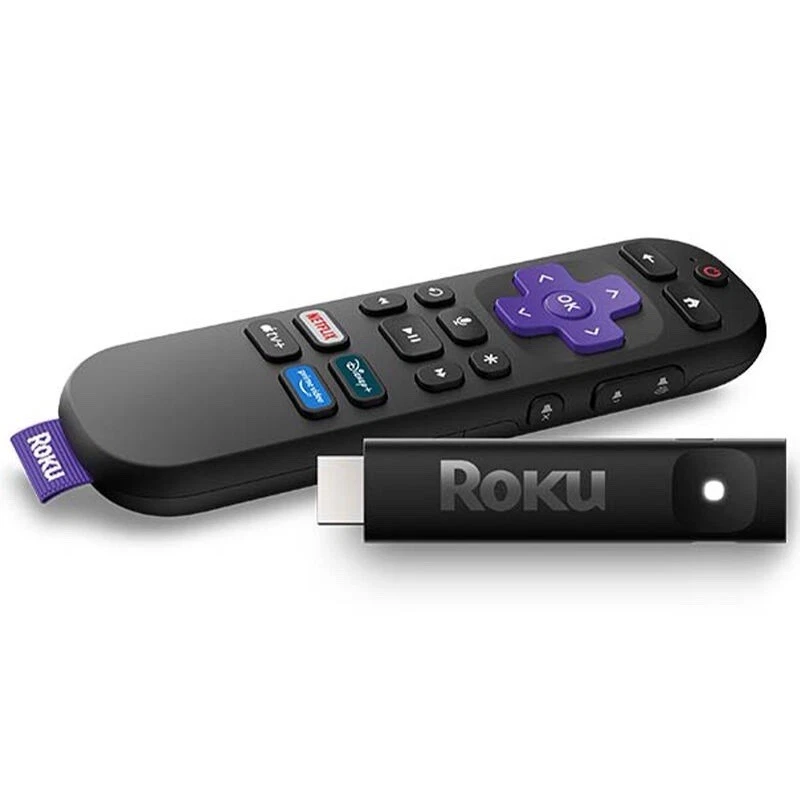 $26.99
A Roku Streaming Stick+ at $26.99 adds 4K HDR and an enhanced wireless receiver for a stronger signal, plus the voice remote.
See the live listing →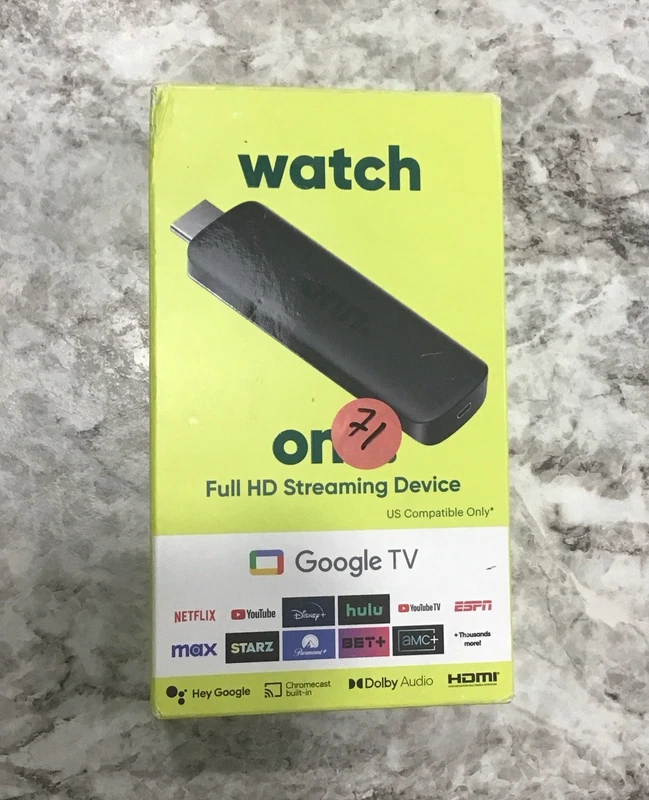 $32.99
An onn Android TV stick at $32.99 runs Google TV at 1080p and suits a bedroom or kitchen set where 4K is wasted.
See the live listing →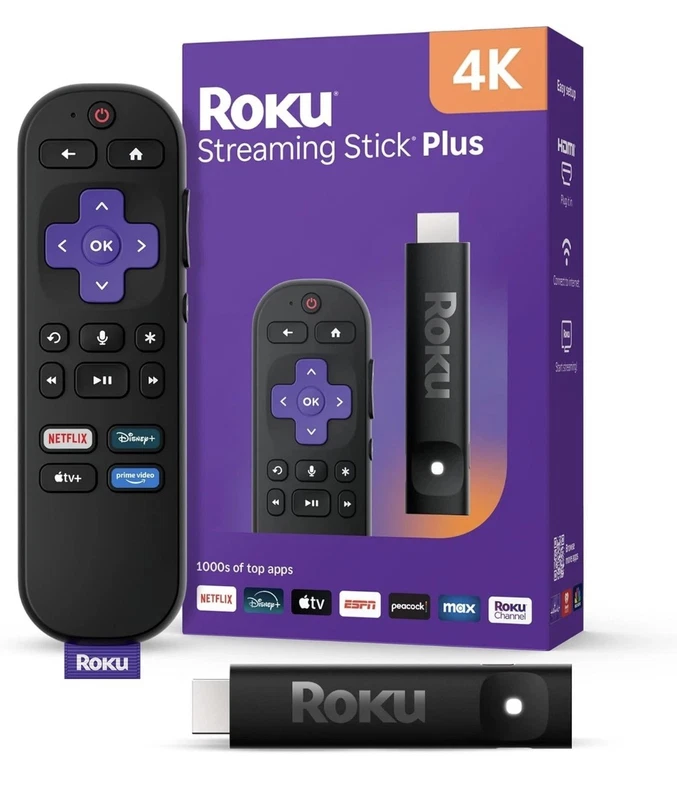 $35
$35A Roku Streaming Stick+ at $26.99 adds 4K HDR and an enhanced wireless receiver for a stronger signal, plus the voice remote.
See the live listing → $37.21
A Roku Streaming Stick+ at $26.99 adds 4K HDR and an enhanced wireless receiver for a stronger signal, plus the voice remote.
See the live listing → $39.99
An onn 4K Google TV at $39.99 pairs 4K with 2GB of RAM and 8GB of storage, which is the configuration that keeps menus responsive.
See the live listing →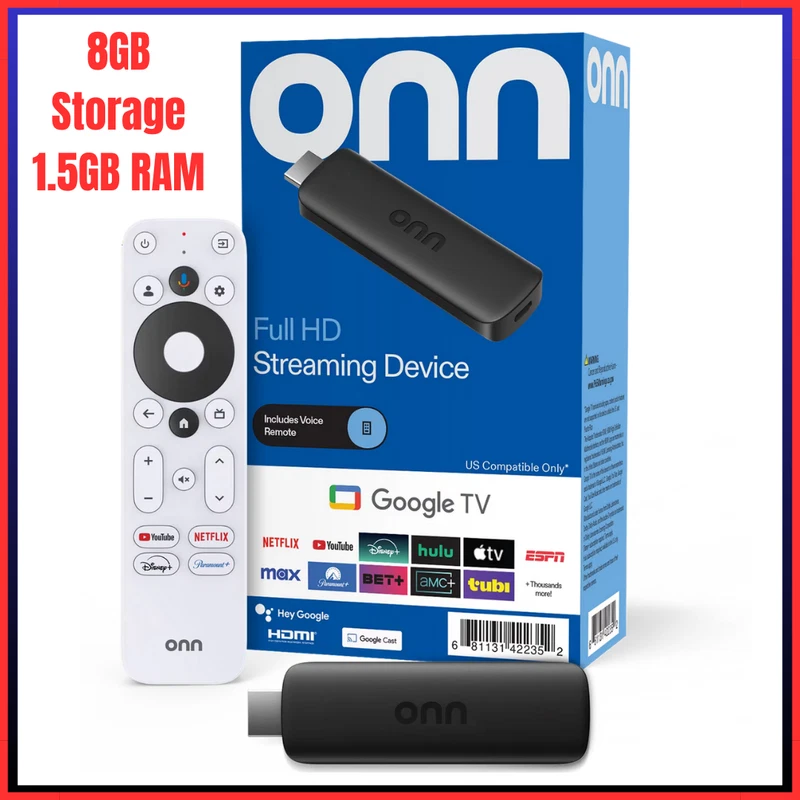 $48.99
An onn Full HD device at $48.99 is the 1080p version with 1.5GB of RAM.
See the live listing →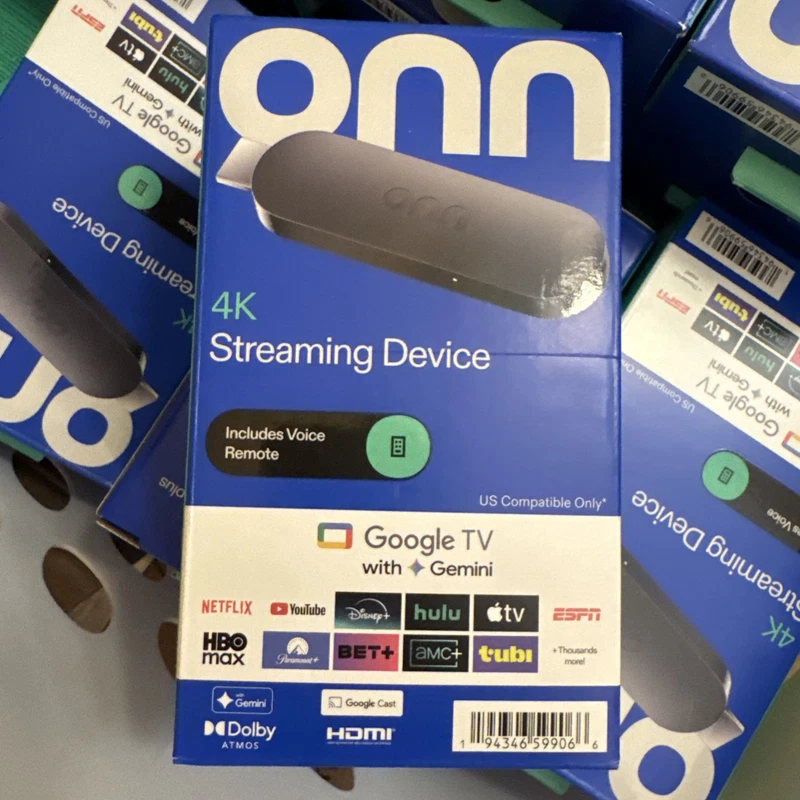 $49.89
An onn 4K stick at $49.89 is the same 4K platform in a slightly different bundle.
See the live listing → $69.1
$69.1A Roku Streaming Stick+ at $26.99 adds 4K HDR and an enhanced wireless receiver for a stronger signal, plus the voice remote.
See the live listing →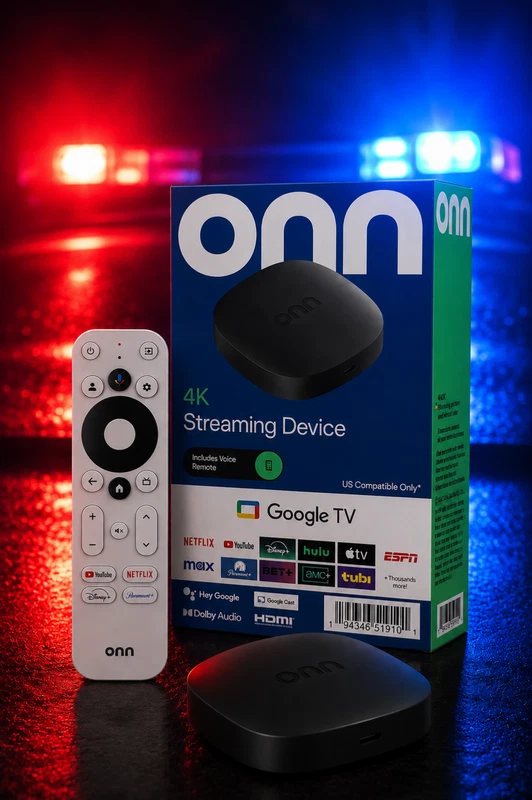 $90
$90eBay The onn 4K Streaming Device, j.b with Gemini (NEW 2026 Model) is a fast streaming device that offers high-quality 4K UHD streaming. With Dolby Vision support and Dolby Atmos surround sound, this device delivers an immersive viewing experience. The Quad Co
See the live listing →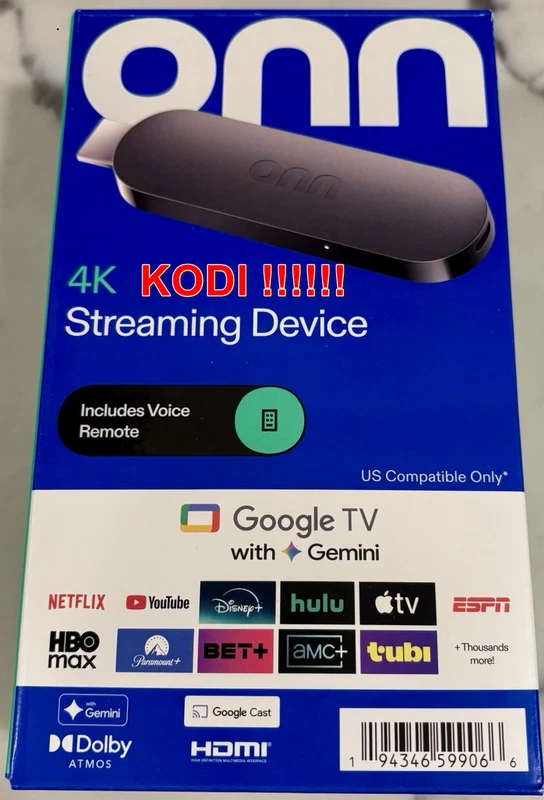 $95
$95An onn 4K stick at $49.89 is the same 4K platform in a slightly different bundle.
See the live listing →Both platforms stream the same major apps, so the choice is mostly about the interface. Roku is simple, fast to learn and has a search that checks across services; Google TV leans harder on recommendations and, like Roku, fills its home screen with sponsored rows and autoplaying trailers. You cannot turn that advertising off on either platform, but you can ignore it once your apps are pinned, and a stick with more storage holds those apps without pausing. The one real annoyance on cheap devices is a sluggish processor, which is the strongest argument for spending a little more on a current-generation stick rather than the absolute cheapest one.
Match the stick to the TV. For a 1080p set, an HD Roku or the onn Full HD device is all you need; for a 4K set, the onn 4K stick at $39.99 or a Roku Streaming Stick+ are the balanced buys. Watch the condition notes, because a missing remote changes the value of a cheap 4K listing. If you are considering a bigger screen instead, our guide to the best projector deals covers the alternative path for movies at home.
No. A 4K stick cannot improve a 1080p panel, so buy the cheaper HD model and save the money. Buy 4K only if your TV is 4K, and 4K HDR if the panel supports HDR.
The processor and limited RAM decide how quickly menus load and apps launch. A current-generation stick with more memory usually feels smoother than an older 4K model.
Not on Roku or Google TV; both fill the home screen with sponsored rows. You can reduce the clutter by pinning your apps, and a device with more storage holds those apps without pausing.
Most sticks include one, but some used listings ship without it. Roku and Google TV can both be controlled from a phone app, so a missing remote is not fatal if you have a spare or a phone.